

1. Why Browser Extensions Are No Longer Enough
For over a decade, most computer users relied on free browser extensions like uBlock Origin or Adblock Plus to clean up their web browsing. However, the online advertising ecosystem has fundamentally transformed. With the aggressive enforcement of Google's Manifest V3 restricting declarative net requests in Chromium browsers, coupled with an explosion of intrusive in-app advertising inside desktop programs (Spotify, Skype, torrent clients, gaming launchers) and mobile apps, browser extensions leave massive blind spots.
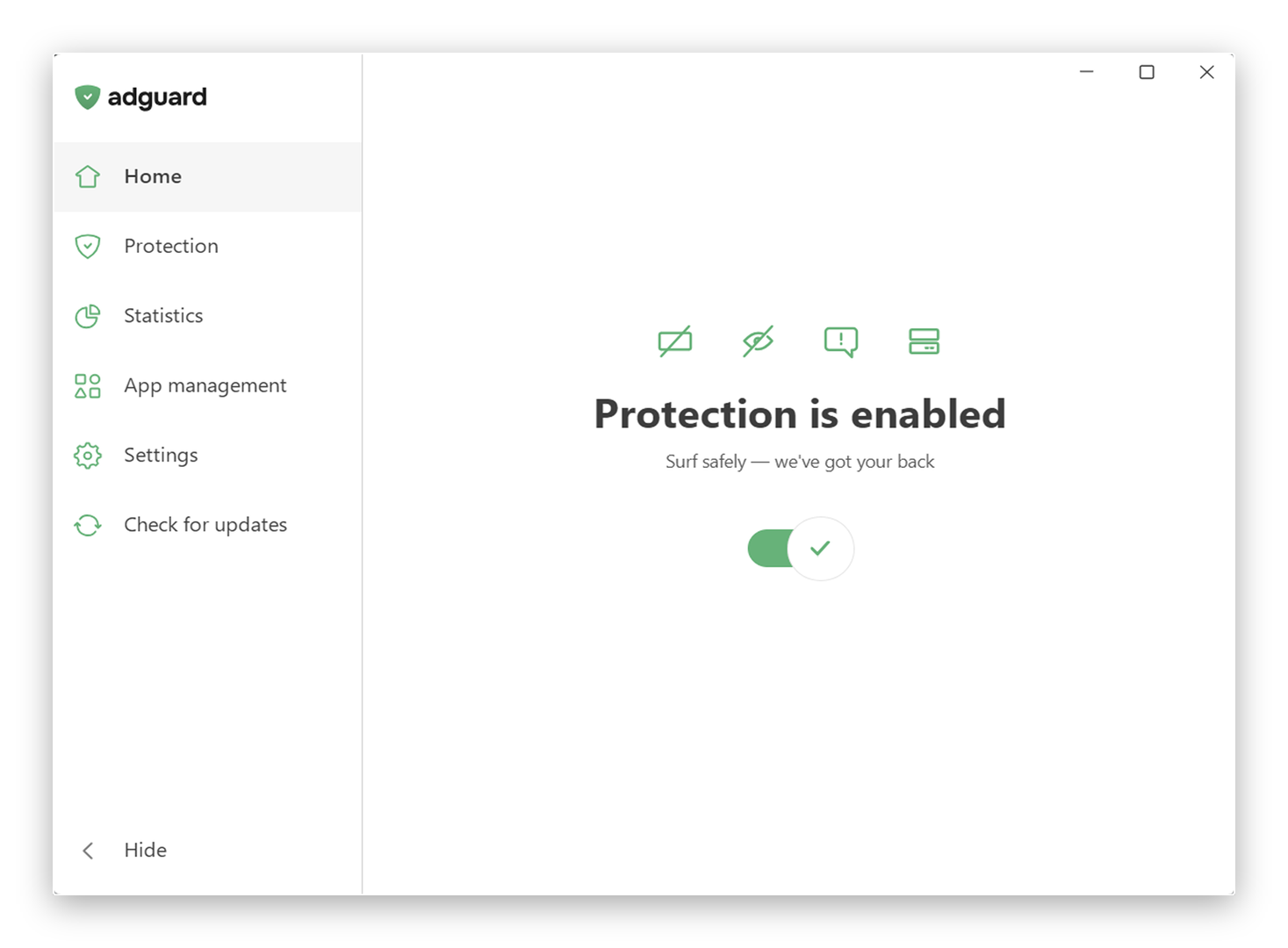
AdGuard operates on a completely different architectural plane. Rather than confining itself to the browser extension sandbox, AdGuard functions as a system-level network driver. It intercepts and filters encrypted web traffic, telemetry queries, and tracking beacons across your entire operating system before they ever reach your screen.
2. Hands-On Benchmark & Testing Setup
We subjected AdGuard to an exhaustive 30-day testing cycle across Windows 11, macOS Sequoia, and Android 15:
- Video Advertising Resistance: Streaming 100 hours of YouTube, Twitch, and news videos to observe pre-roll, mid-roll, and overlay ad suppression without triggering anti-adblock playback blocks.
- In-App Software Filtering: Testing ad and telemetry suppression inside Spotify Desktop, uTorrent, Discord, Steam, and native Windows 11 system search widgets.
- Fingerprinting & Stealth Mode: Running rigorous testing against Cover Your Tracks (EFF) and BrowserLeaks to verify canvas, WebGL, font, and audio fingerprint cloaking.
- Page Load Speedup & Bandwidth Savings: Measuring mobile data consumption and page render speeds on 50 top heavy media news portals.
3. Key Features Deep Dive
A. System-Wide Network Driver Filtering
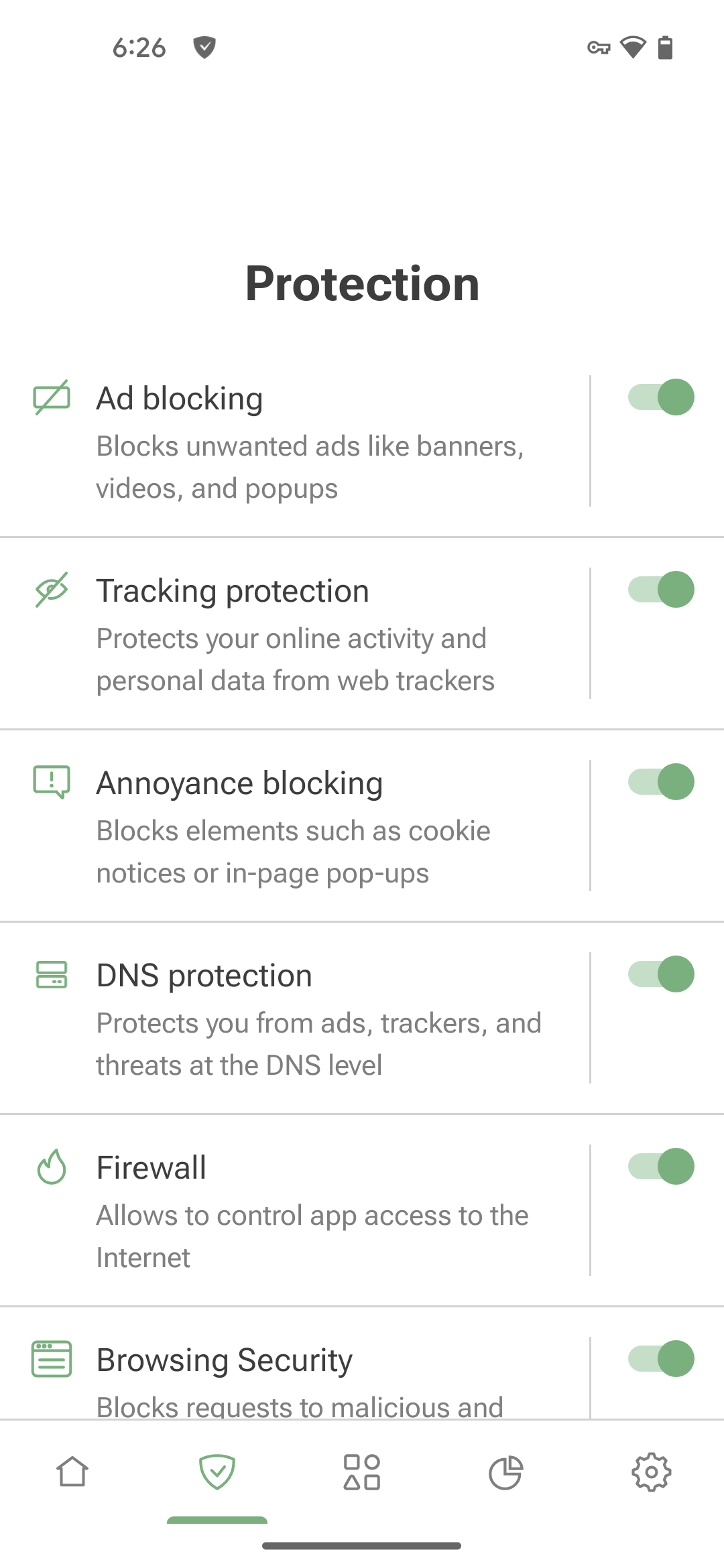
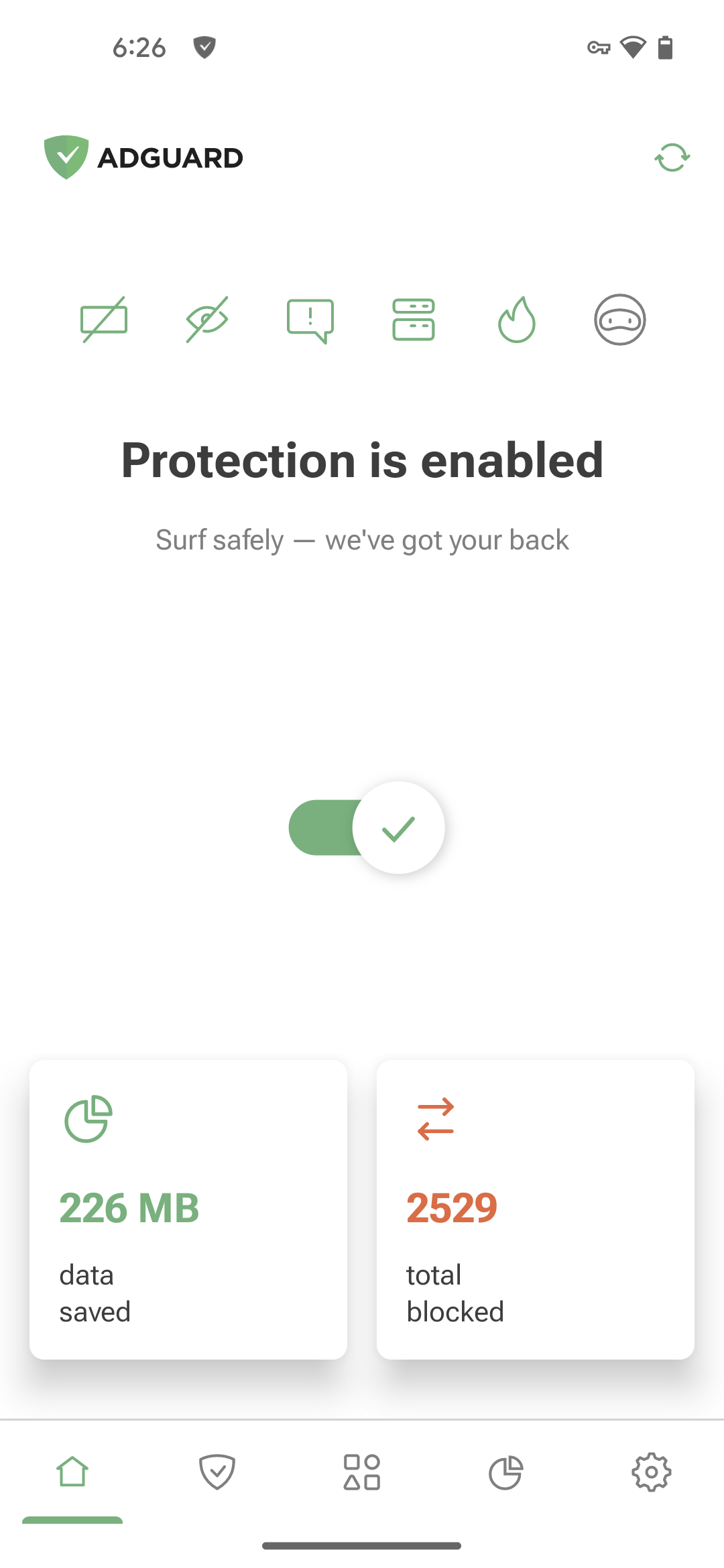
On Windows, AdGuard deploys a specialized Windows Filtering Platform (WFP) driver; on macOS, it utilizes modern Apple Network Extensions; on Android, it creates a local on-device loopback VPN. This allows AdGuard to inspect incoming and outgoing packets before applications process them.
Unlike standard DNS sinkholes (such as Pi-hole) that can only block entire domain names—frequently breaking legitimate websites that host ads on the same servers as actual content—AdGuard performs deep HTML cosmetic filtering and CSS injection. It removes empty white ad placeholders, strips sponsored search results, and rewrites dynamic JavaScript ad snippets before the browser paints the webpage.
B. Stealth Mode: Defeating Digital Fingerprinting
Modern ad networks don't just rely on third-party cookies; they construct persistent behavioral profiles using canvas fingerprinting, browser extension enumeration, audio context hashes, and URL click identifiers (such as fbclid, gclid, and utm_*). AdGuard's Stealth Mode directly targets and dismantles these surveillance techniques:
- Automatic Cookie Destruction: Purges first-party and third-party tracking cookies after a user-defined duration.
- URL Parameter Stripping: Automatically removes tracking tokens from web links before you click them.
- WebRTC IP Leak Protection: Hides your real local and public IP address from browser WebRTC queries.
- User-Agent & Resolution Masking: Periodically randomizes your browser fingerprint headers to make behavioral tracking statistically impossible.
C. AdGuard for Android: Complete In-App Ad Elimination
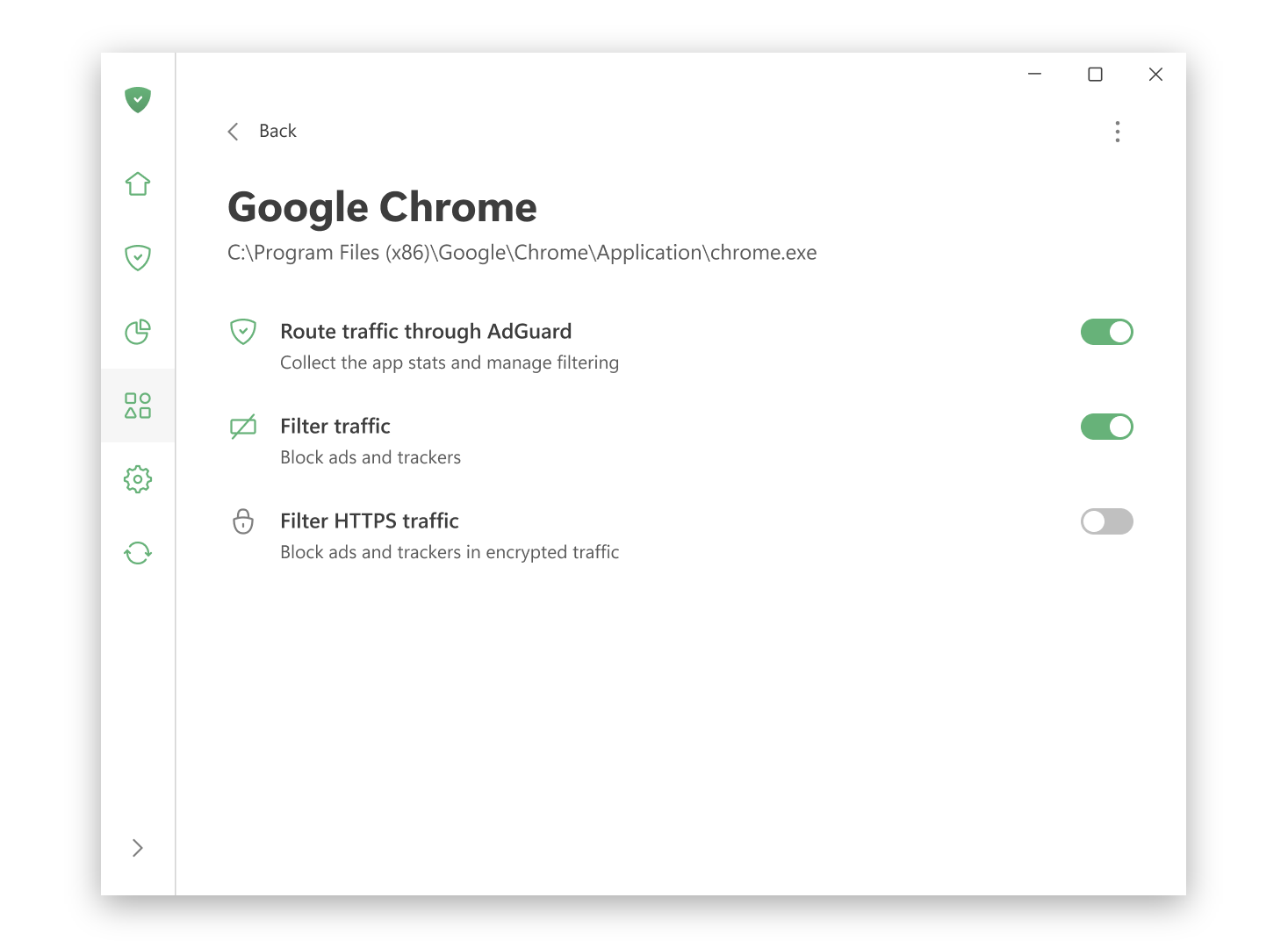
Because Google's Play Store terms prohibit applications that block ads in other apps, the full standalone version of AdGuard for Android is distributed directly via AdGuard's official website. It is arguably the most powerful Android utility available today.
By routing device traffic through a local, on-hardware VPN service (which never sends your data to external servers), AdGuard eliminates banner ads, interstitial popups, and rewarded video ads inside free Android games, news apps, and social utilities while dramatically extending battery longevity and cutting mobile data usage by up to 40%.
4. Competitive Comparison Matrix
| Capability | AdGuard Standalone | uBlock Origin (Extension) | Pi-hole (DNS Sinkhole) | Brave Browser |
|---|---|---|---|---|
| Non-Browser App Filtering | ✓ System-Wide (Apps/Games) | ✗ Browser only | ✓ Entire Network | ✗ Browser only |
| Manifest V3 Immunity | ✓ 100% Unaffected | ✗ Restricted in Chrome | ✓ Unaffected | ✓ Unaffected |
| Cosmetic Element Hiding | ✓ Full (No white gaps) | ✓ Full | ✗ None (DNS only) | ✓ Full |
| Encrypted HTTPS Filtering | ✓ Local Root Certificate | ✓ Handled by browser | ✗ Impossible (DNS only) | ✓ Handled by browser |
| Mobile App Ad Blocking | ✓ Android & iOS | ✗ Firefox Mobile only | ✓ Home Wi-Fi only | ✗ Browser only |
| Pricing Model | Annual or Lifetime | Free Open Source | Free (Requires Hardware) | Free |
5. Honest Pros & Cons
Advantages & Strengths
- Complete System-Wide Coverage: Blocks ads in browsers, games, Discord, Spotify, and Windows OS telemetry.
- Immune to Manifest V3 Limits: Runs outside browser constraints, giving you unlimited filtering power.
- Spectacular YouTube Ad Blocking: Eliminates video ads without triggering anti-adblock detection warnings.
- Stealth Mode Privacy: Destroys tracking parameters, cookie beacons, and digital fingerprinting.
- AdGuard Android Excellence: Flawless in-app ad blocking on Android smartphones.
- Lifetime License Value: Buy once and keep premium protection forever.
Potential Drawbacks
- Requires HTTPS Certificate: To filter secure HTTPS traffic, AdGuard installs a local root certificate on your machine.
- Direct Android APK Install: Full in-app ad blocking requires sideloading the APK from AdGuard's official site.
- Paid Software: While free extensions exist, AdGuard's system-level utility requires a license.
6. Pricing & Value Assessment (2026)
AdGuard offers two flexible purchase models:
- Personal License ($2.49/month billed annually or $79.99 Lifetime): Protects up to 3 devices simultaneously across any combination of Windows, Mac, Android, and iOS.
- Family License ($5.49/month billed annually or $169.99 Lifetime): Comprehensive protection for up to 9 devices with parental control management.
- AdGuard DNS Plans (Free to $2.40/month): Cloud-based DNS filtering for smart TVs, routers, and game consoles.
Editor's Final Verdict: 4.8 / 5.0
EDITOR'S CHOICE 2026As web tracking grows increasingly aggressive and browser extensions face crippling regulatory and platform restrictions under Manifest V3, AdGuard represents the definitive, future-proof solution for digital hygiene.
Its ability to filter traffic at the operating system level, suppress ads in games and desktop applications, and obliterate digital tracking fingerprints makes it an indispensable tool for privacy enthusiasts in 2026.
Frequently Asked Questions
Is AdGuard safe and trusted?
Yes. AdGuard has been an industry leader in open web privacy since 2009. The core filtering engines and DNS libraries are completely open source on GitHub, allowing independent security researchers to inspect the code. AdGuard does not log, monitor, or sell your personal traffic.
Why does AdGuard need to install an HTTPS certificate?
Over 95% of the modern internet is encrypted via HTTPS. In order to remove ads and tracking scripts embedded inside encrypted web pages before they reach your browser, AdGuard must inspect the content locally. It does this by creating a personal, self-signed local certificate that never leaves your computer.
Can I transfer my AdGuard license to a new computer or phone?
Yes. AdGuard licenses are managed through your online AdGuard account. You can unbind a license key from an old machine and activate it on a new laptop or phone with one click anytime.